Leaderboard
Popular Content
Showing content with the highest reputation on 03/03/2019 in all areas
-
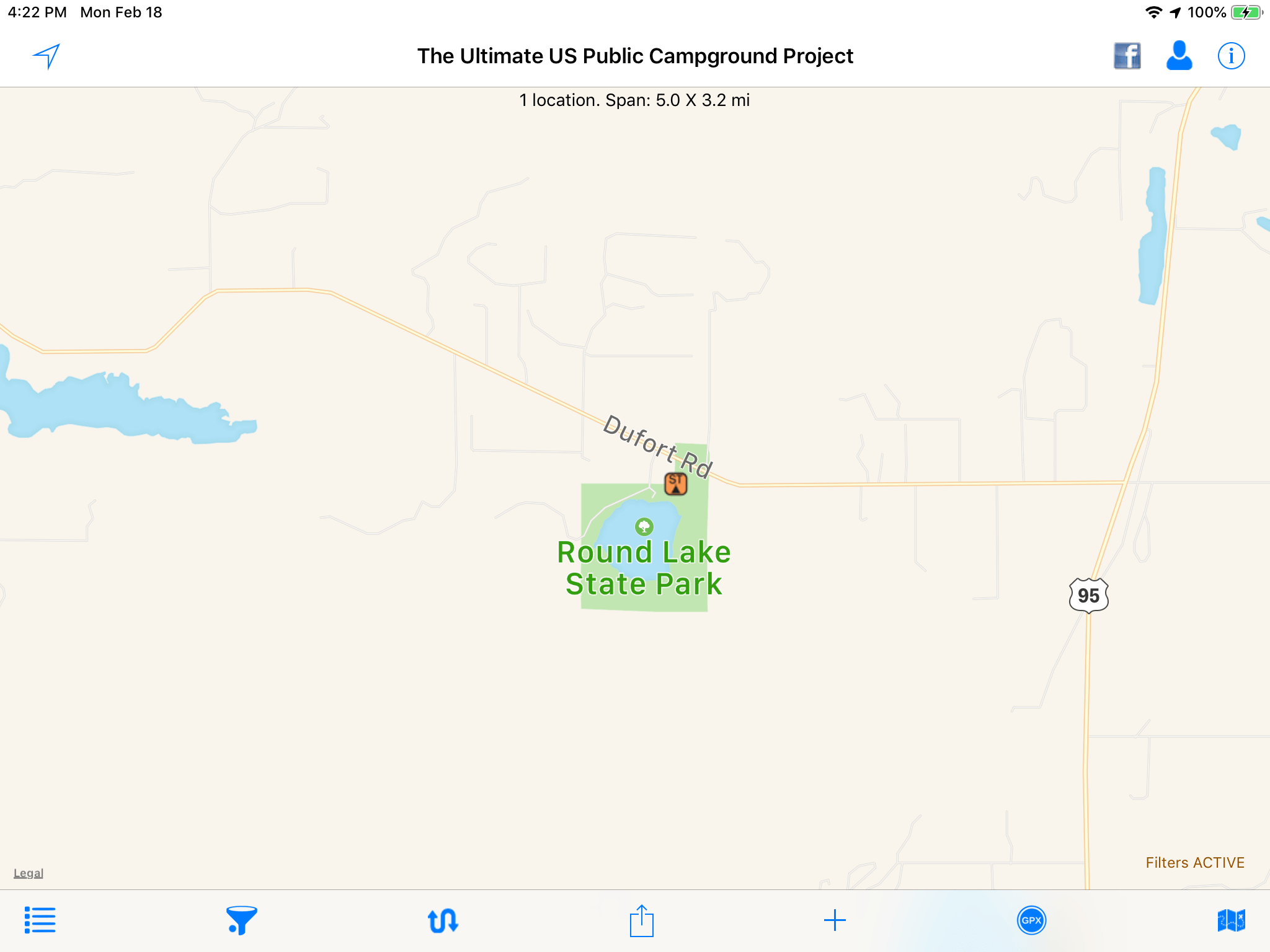
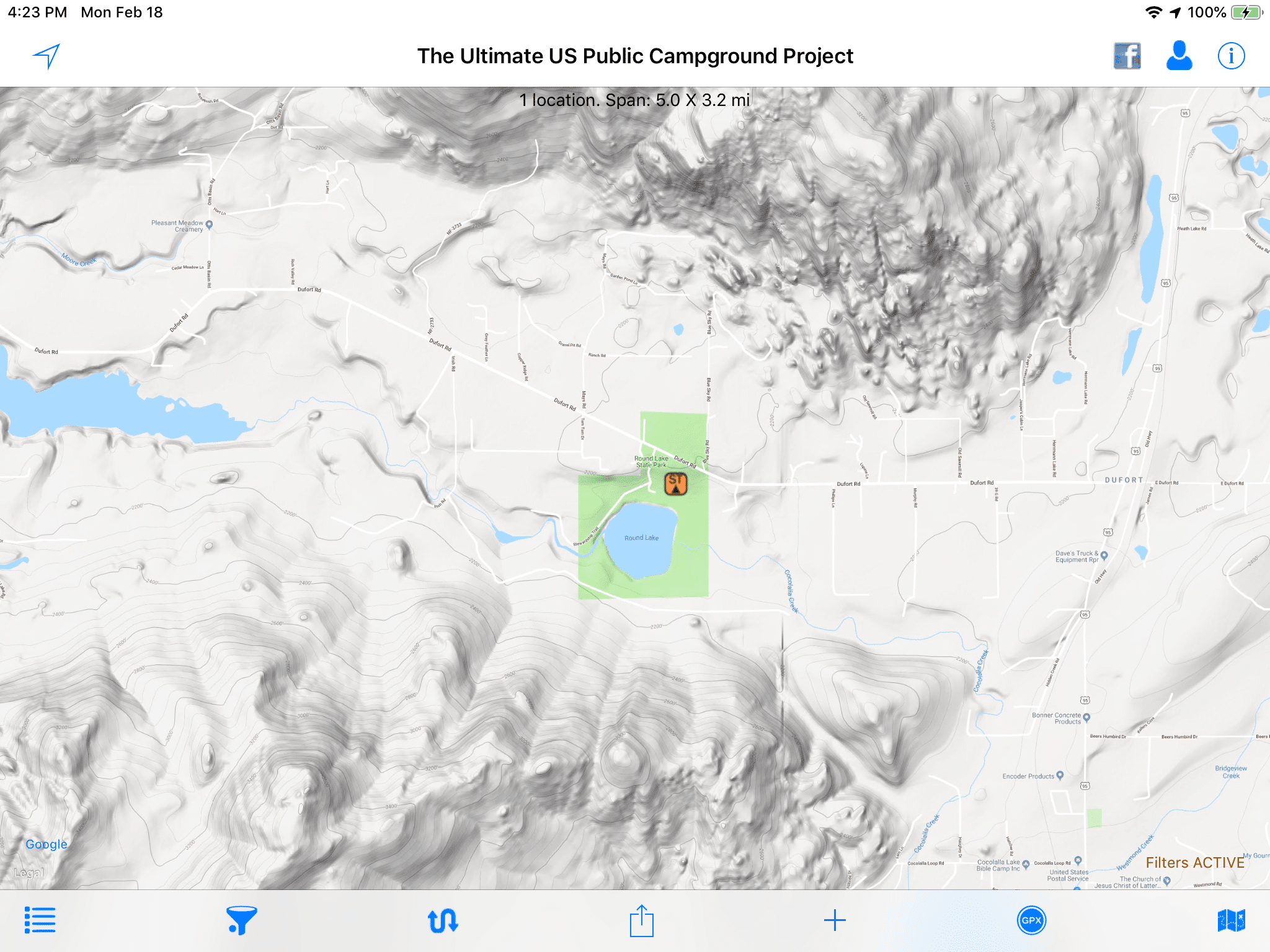
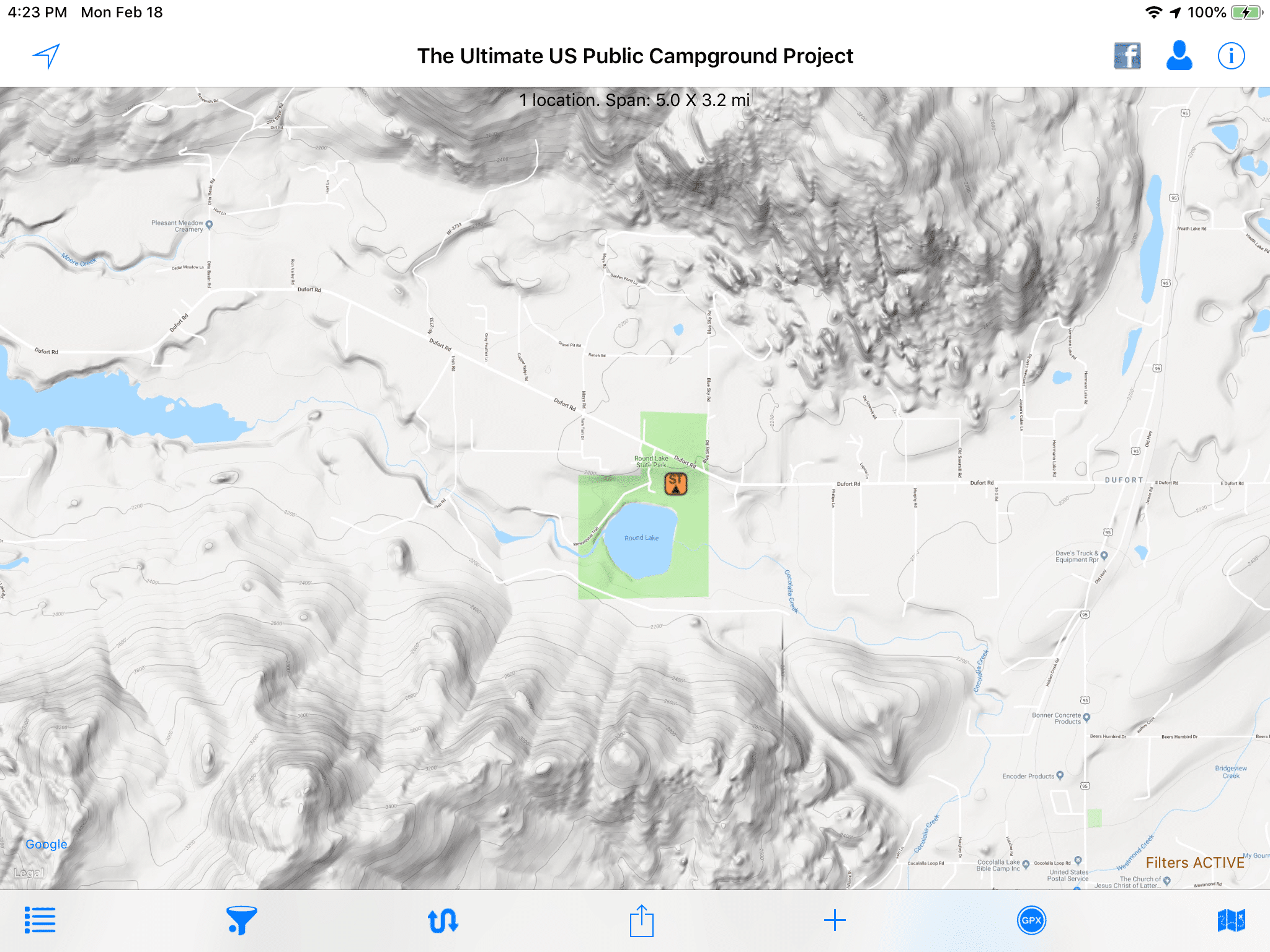
I have been using this app as my primary research tool and it works very well. I never cared for the default maps (Apple Road and Apple Satellite, and Open Streetmap) but they did the job. The latest update adds Google Maps (Road, Terrain and Satellite). What excites me is the Terrain maps, which are wonderful if you live where the ground is not dead flat. The terrain maps look like topo maps without all the numbers or small details. They are super easy to read and interpret.... here is Round Lake State Park in N Idaho Here is the Apple road map view. Hmmm, it looks pretty flat. [attachment file=F479D23E-1281-4DA8-B914-7AF20654D09B.png] And the Apple Satellite view. Lots of solid green, what is that? [attachment file=E141058A-C61A-43A7-BED6-2958DE7AA5BF.png] And the wonderful Google Terrain view. Where did those mounatins come from? I highly recommend this app. Click a campground symbol and a brief desription window opens. Click the “I” button for full info, including links to website, images, etc etc. you can apply filters to look for places with certain recreational features, or only those above say 6000 feet, or those with hookups. The data is very much dependent on user submissions so if you find a mistake, email their support crew with a detailed description and they will make the change for the very next data update, which happens often. http://www.ultimatecampgrounds.com John Davies Spokane WA
 1 point

-
Recent Achievements
-